Verified Nov 2026 · Tested in CapCut with VPN (India) · Direct official link
How to use January Scrolling CapCut Template?
- Open CapCut and make sure you’re on the latest version – older builds sometimes fail to load trending templates.
- Tap the template link for January Scrolling and hit ‘Use Template’ to open it directly in the editor.
- If the template won’t load (common in India or restricted regions), connect to a VPN, then reopen CapCut and refresh the template page.
- Select 6-10 photos or short clips from your camera roll – mix close-ups, group shots, and scenery for a natural scroll feel.
- Trim each clip to the beat markers so the scroll lands on the kick drum; tap the audio track to see the beat grid.
- Swap in your media, adjust the crop so faces stay centered, and tweak the transition speed if the scroll feels too fast.
- Preview once, then export at 1080p and 60fps – and if you want fresh transition ideas, check out the collage CapCut Trend for more scroll-style inspiration.
Pro Video Editing & Export Tips
For the crispest scroll, shoot or select clips in good natural light and avoid heavy filters before importing – the template already adds a soft grade. Match your cuts to the beat by scrubbing the audio waveform and placing each photo change on a downbeat. Export at 1080p and 60fps for smooth motion, and remove the CapCut watermark in the export settings before posting. Keep the first frame bright and face-forward so viewers stop scrolling in the first second, which is what pushes this trend onto the For You page.
About January Scrolling CapCut Template
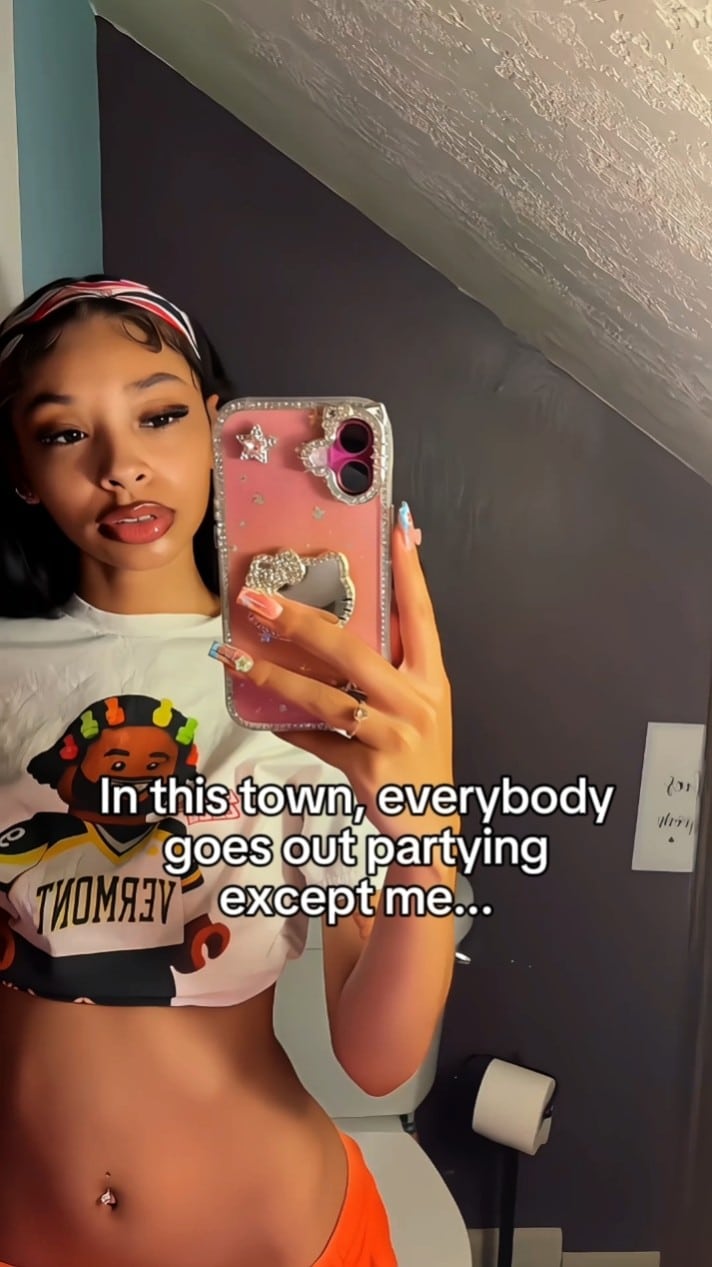
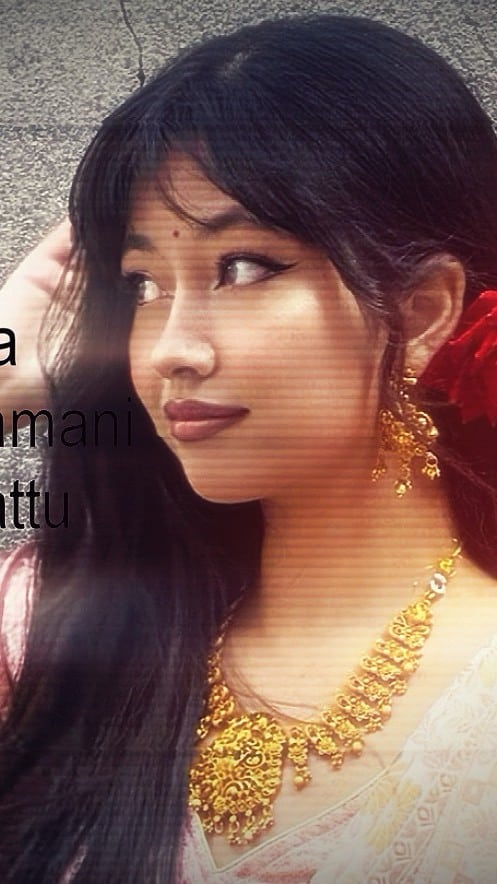
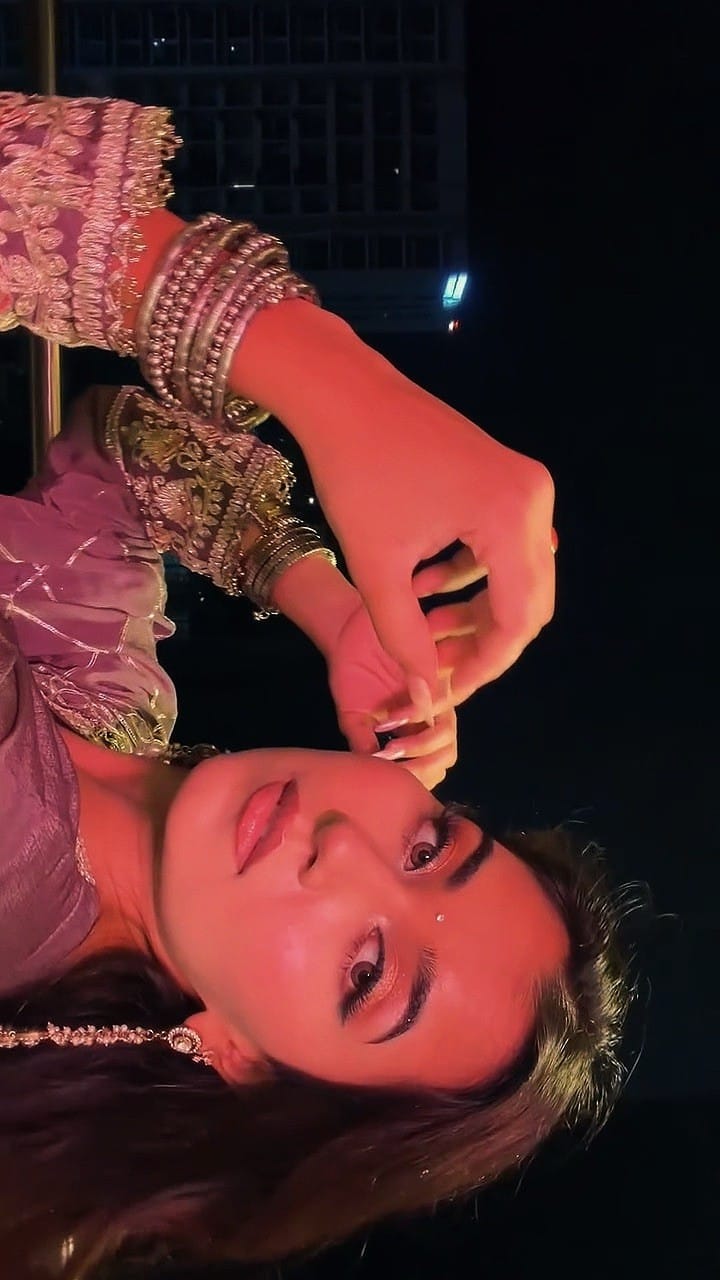
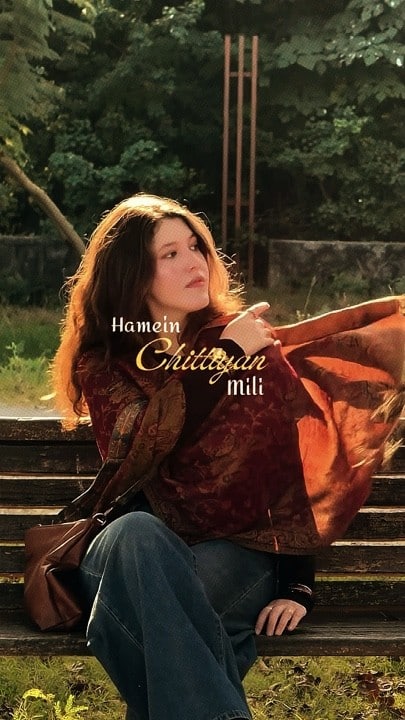
January Scrolling is the cozy, nostalgic trend everyone is using to flip through their month like a mini photo diary. The template pairs a soft, lo-fi beat with smooth vertical scroll transitions, so each clip slides into the next instead of hard-cutting. It’s blowing up on TikTok and Reels because it makes even a messy camera roll look intentional and aesthetic in under a minute.
- Style & Vibe: Aesthetic / Beat Sync / Soft Lo-Fi / Photo Dump
- Recommended Media: 6-10 Photos/Videos
- Aspect Ratio: 9:16 (Full Screen for TikTok, Instagram Reels & Shorts)
- Price: 100% Free to Use
Looking for more trending edits? Browse our complete collection of CapCut Templates for Instagram Reels and TikTok, updated daily with direct verified links.