Verified Nov 2026 · Tested in CapCut with VPN (India) · Direct official link
How to use New Insta Trend CapCut Template?
- Open the CapCut app on your phone and make sure you’re signed in, then tap the template link shared with this post to jump straight to the New Insta Trend page.
- If the template won’t load (common in India or restricted regions), connect to a reliable VPN first, then reopen the link so the template page loads smoothly.
- Tap ‘Use template’ at the bottom of the screen and allow CapCut to access your gallery when prompted.
- Select 4 to 8 photos or short videos – pick ones with similar lighting and a clear subject so the transitions feel seamless.
- Trim each clip so the main action lands on the beat, then drag to reorder until the flow feels natural.
- Customize the text, filter intensity, and transition speed to match your personal style – small tweaks make it feel original.
- Preview in full screen, tap Export at 1080p, and post to Instagram Reels or TikTok. For more trending edits, check out the LIGHT CAMERA ACTION CapCut Trend next.
Pro Video Editing & Export Tips
For maximum reach, export at 1080p and 60fps so the transitions stay buttery on Instagram’s compression. Shoot in soft, even lighting – window light or golden hour works best – and avoid harsh shadows that get muddy after filters. Match your clip cuts to the beat by tapping the audio waveform in CapCut and nudging each clip so the change lands exactly on the drop. Always remove the CapCut watermark before posting (use the ‘Without watermark’ export option) since clean videos tend to get better watch time and shares. Finally, keep your first clip as the strongest hook – viewers decide in under two seconds whether to keep watching.
About New Insta Trend CapCut Template
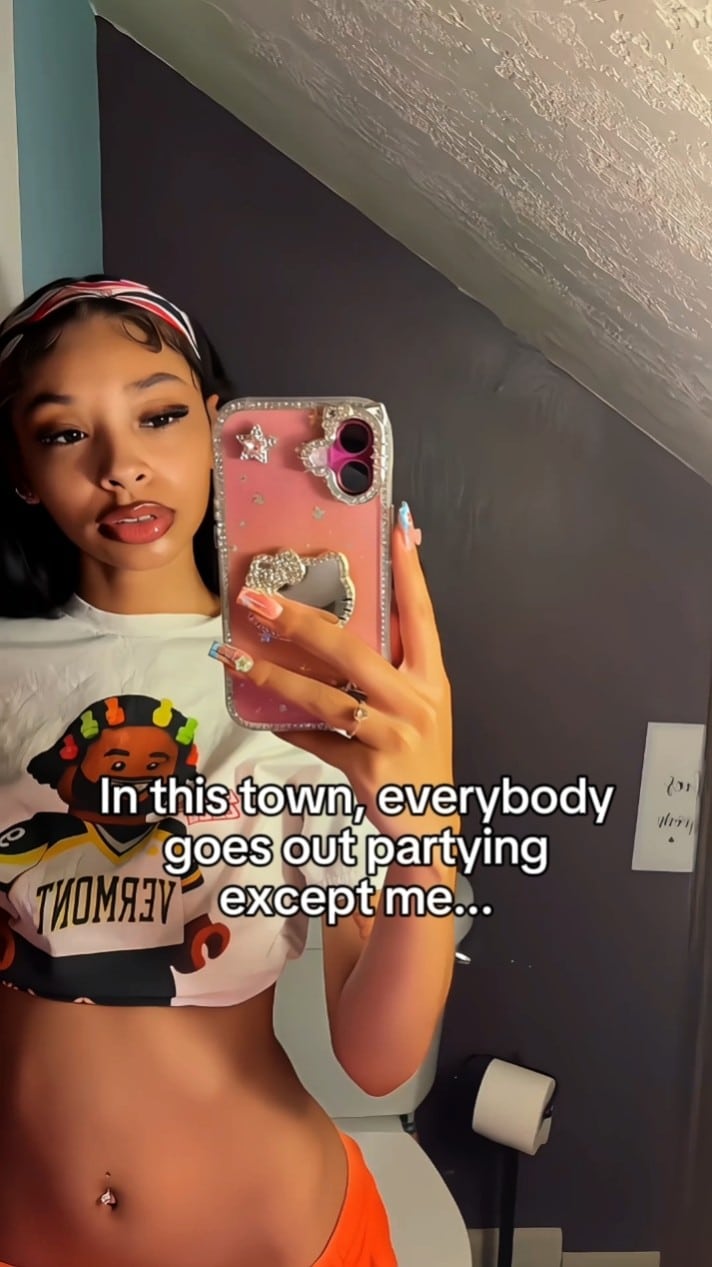
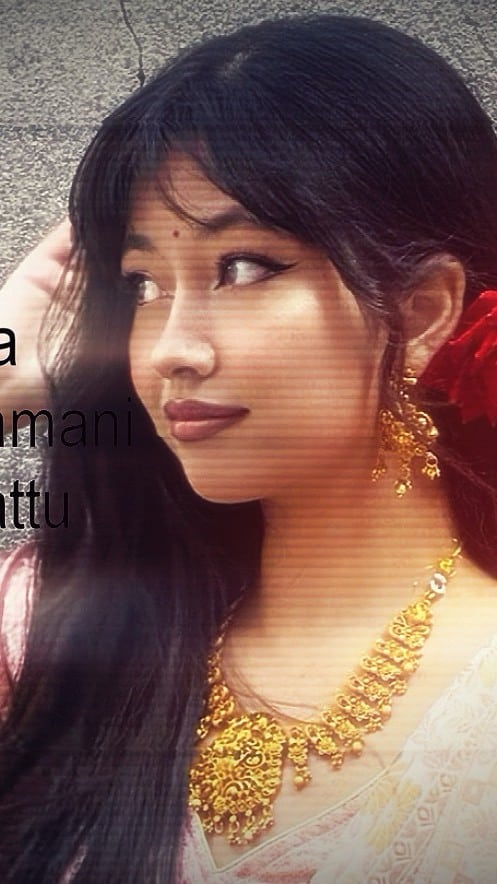
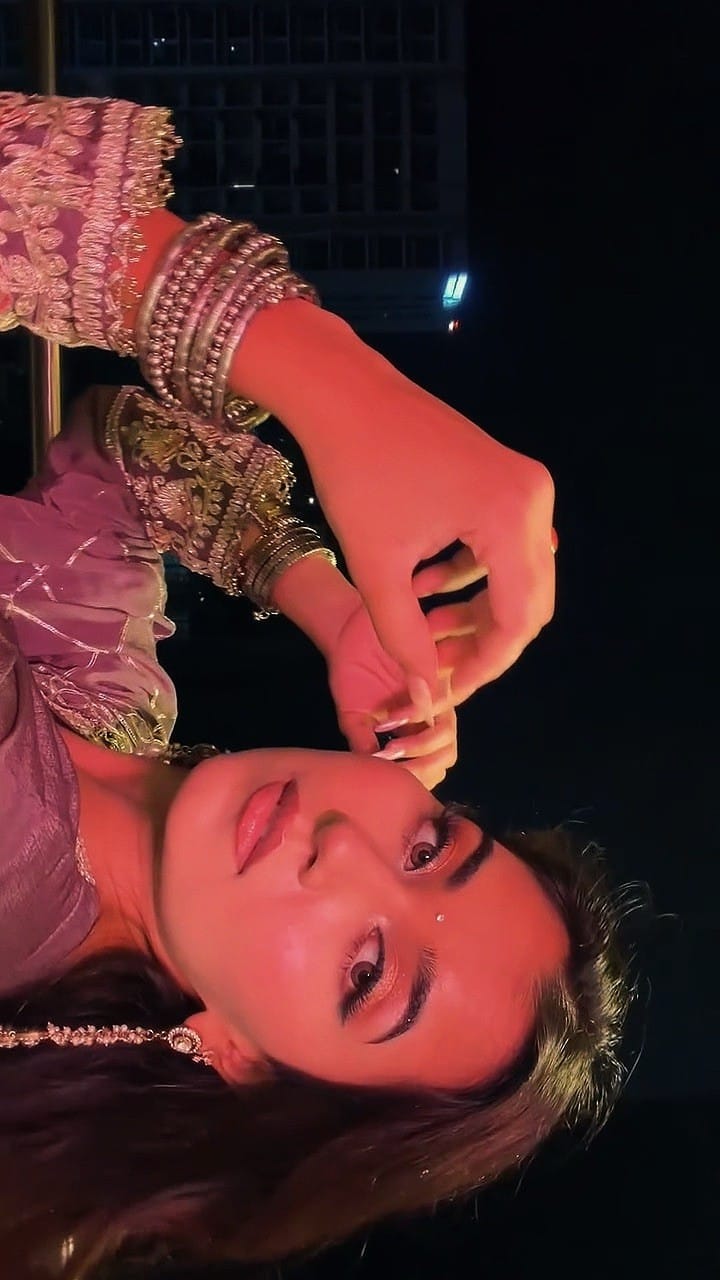
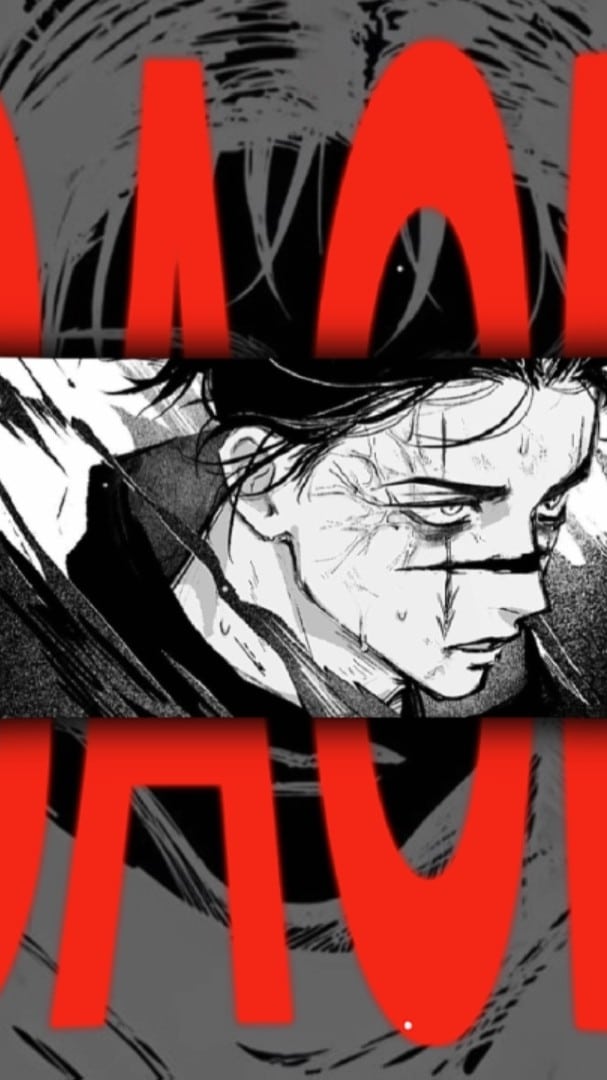
This template rides that soft, dreamy ‘new insta trend’ wave – think slowed-down aesthetic audio, gentle zoom transitions, and that glossy pink bow vibe that instantly makes your feed feel curated. It’s blowing up because the timing is forgiving: even casual clips look intentional once the beat drops and the transitions snap into place. Perfect for GRWM clips, soft-girl photo dumps, or a quick weekend recap that needs zero editing skills.
- Style & Vibe: Aesthetic / Beat Sync / Soft Girl / Dreamy Transitions
- Recommended Media: 4-8 Photos/Videos
- Aspect Ratio: 9:16 (Full Screen for TikTok, Instagram Reels & Shorts)
- Price: 100% Free to Use
Looking for more trending edits? Browse our complete collection of CapCut Templates for Instagram Reels and TikTok, updated daily with direct verified links.