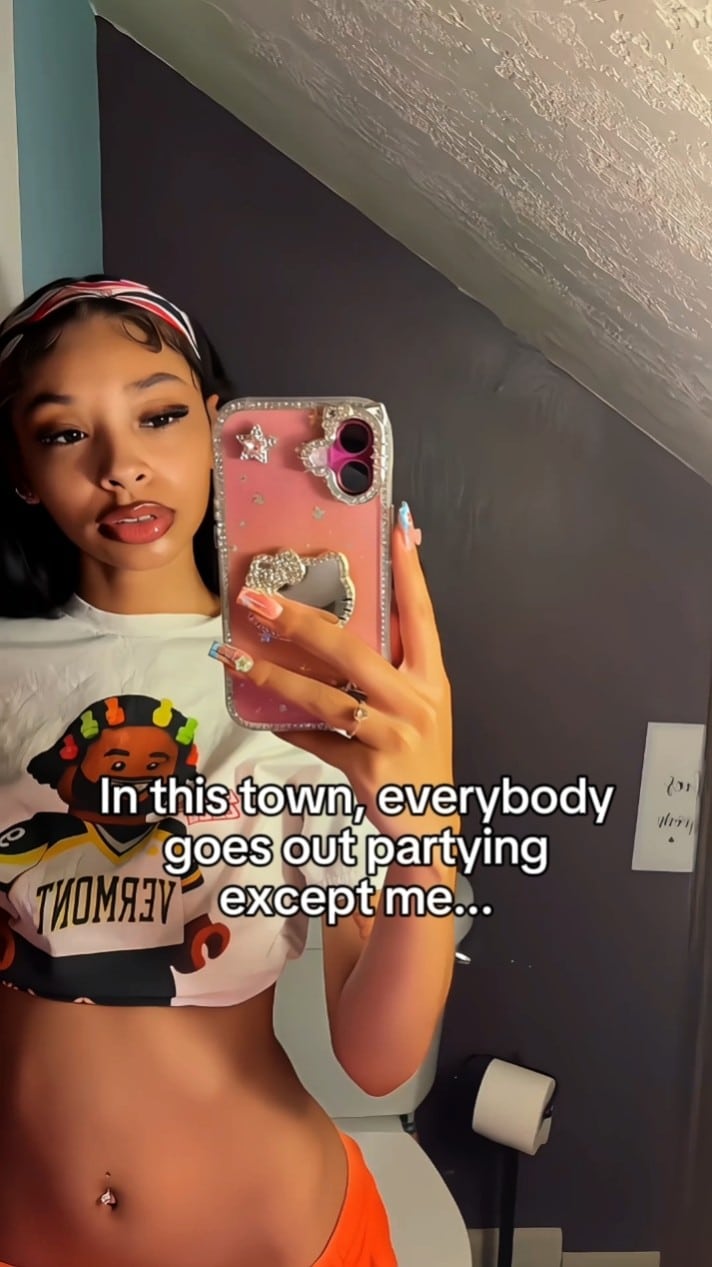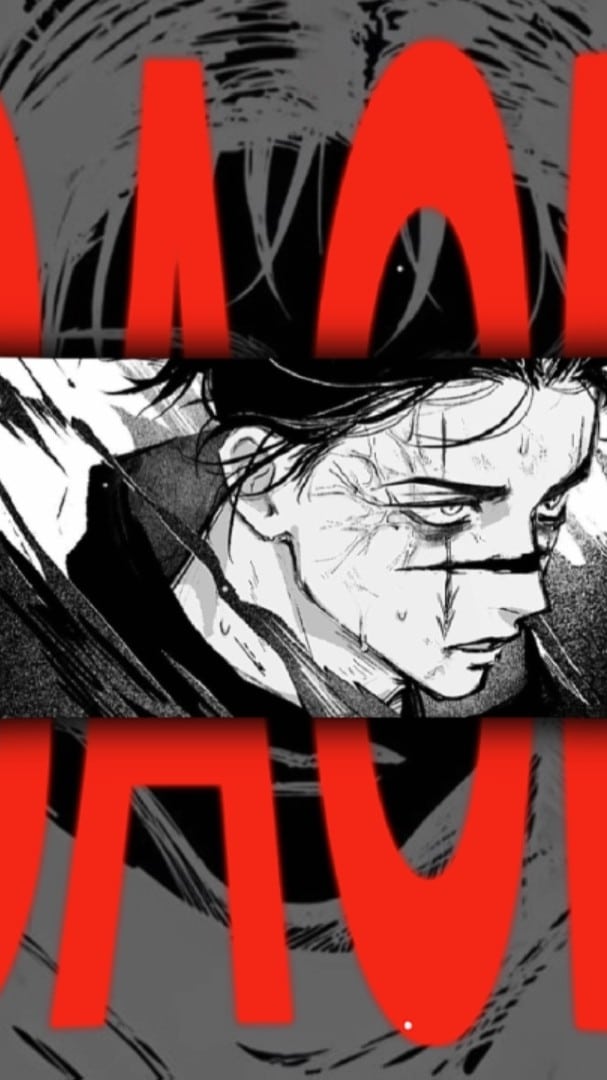
Verified Nov 2026 · Tested in CapCut with VPN (India) · Direct official link
How to use Insta Viral Trend CapCut Template?
- Open the CapCut app on your phone and make sure you’re signed in with your account so the template saves to your profile.
- Tap the template link shared on this page to jump straight into the Insta Viral Trend template preview inside CapCut.
- If you’re in India or another region where CapCut templates are restricted, connect to a VPN first, then reload the link so the template opens without errors.
- Hit ‘Use Template’ and select 4-8 photos or short video clips from your gallery – pick bright, well-lit shots for the best result.
- Arrange your clips in the order you want them to appear, then let CapCut auto-sync each cut to the beat of the audio.
- Tap ‘Preview’ to watch the full edit, and fine-tune any clip by trimming or swapping it if a transition feels off.
- When you’re happy, export in 1080p at 60fps and share directly to Instagram Reels or TikTok – and if you want more trending edits, check out this New Insta Trend CapCut Trend next.
Pro Video Editing & Export Tips
For maximum reach, always export at 1080p and 60fps – Instagram and TikTok both prioritise crisp, high-frame-rate uploads in the algorithm. Shoot or select clips with strong, even lighting (natural window light works wonders) so the template’s glow filter doesn’t wash out details. Match your fastest movement or biggest expression to the main beat drop for that satisfying sync effect viewers love. Finally, keep the CapCut watermark removal on before exporting – it looks cleaner and signals a more professional edit, which helps boost saves and shares.
About Insta Viral Trend CapCut Template
The Insta Viral Trend template is built around a punchy, bass-driven audio drop that syncs perfectly with quick zoom transitions and a soft glow filter, giving your clips that polished influencer look. It leans into the fast-cut, high-energy aesthetic that’s dominating TikTok and Instagram Reels right now, with smooth beat-synced flashes that make even simple photos feel cinematic. That’s exactly why it’s already racked up thousands of uses – it’s the kind of edit that looks expensive but takes under two minutes to pull off.
- Style & Vibe: Beat Sync / Flash Transitions / Aesthetic Glow
- Recommended Media: 4-8 Photos/Videos
- Aspect Ratio: 9:16 (Full Screen for TikTok, Instagram Reels & Shorts)
- Price: 100% Free to Use
Looking for more trending edits? Browse our complete collection of CapCut Templates for Instagram Reels and TikTok, updated daily with direct verified links.