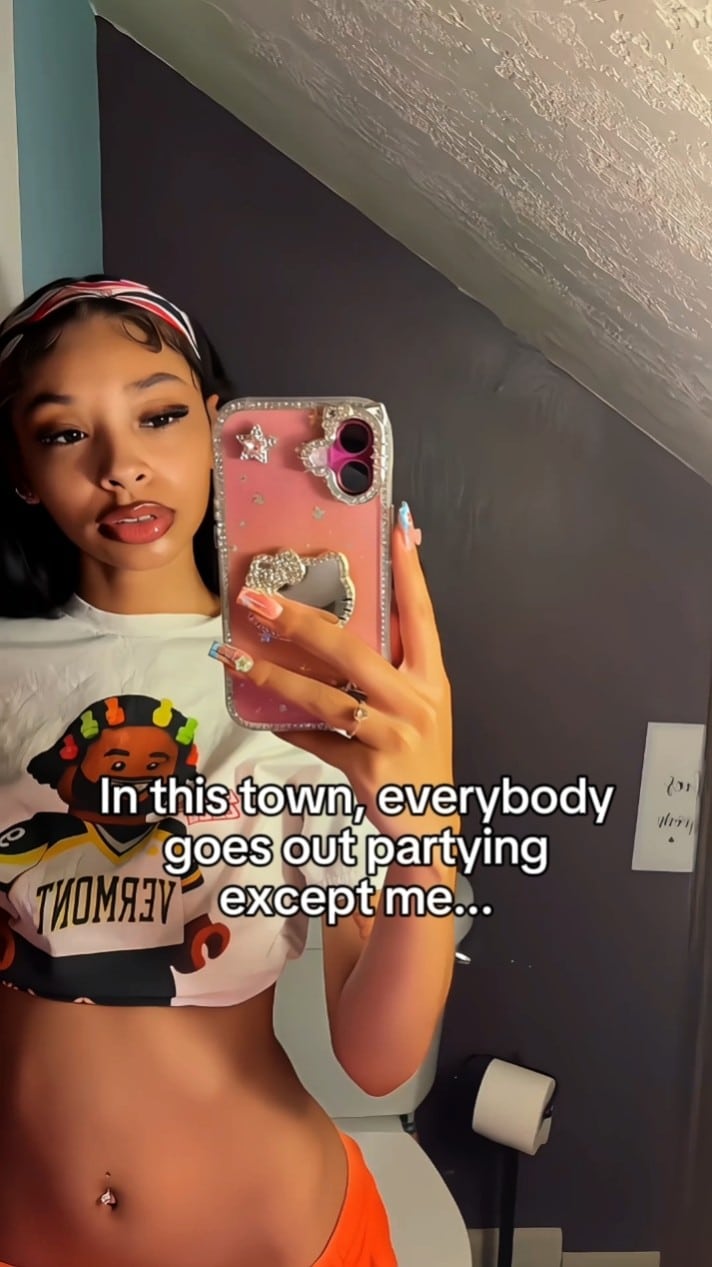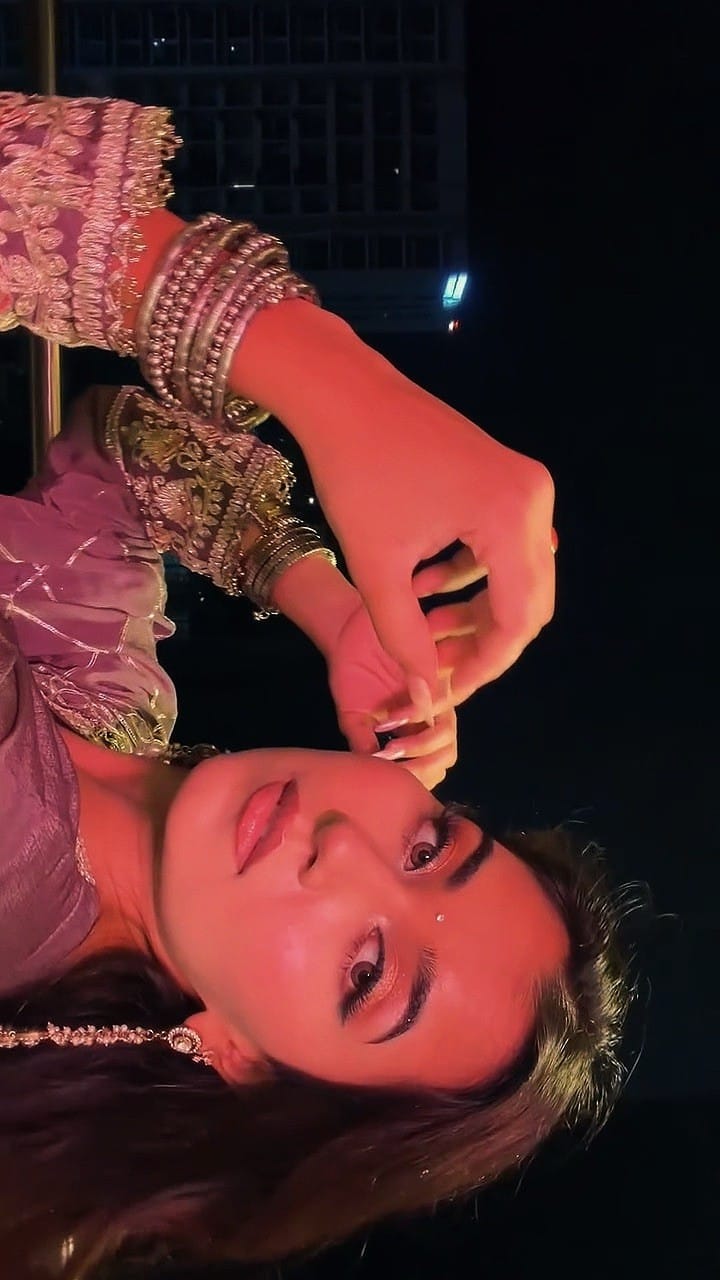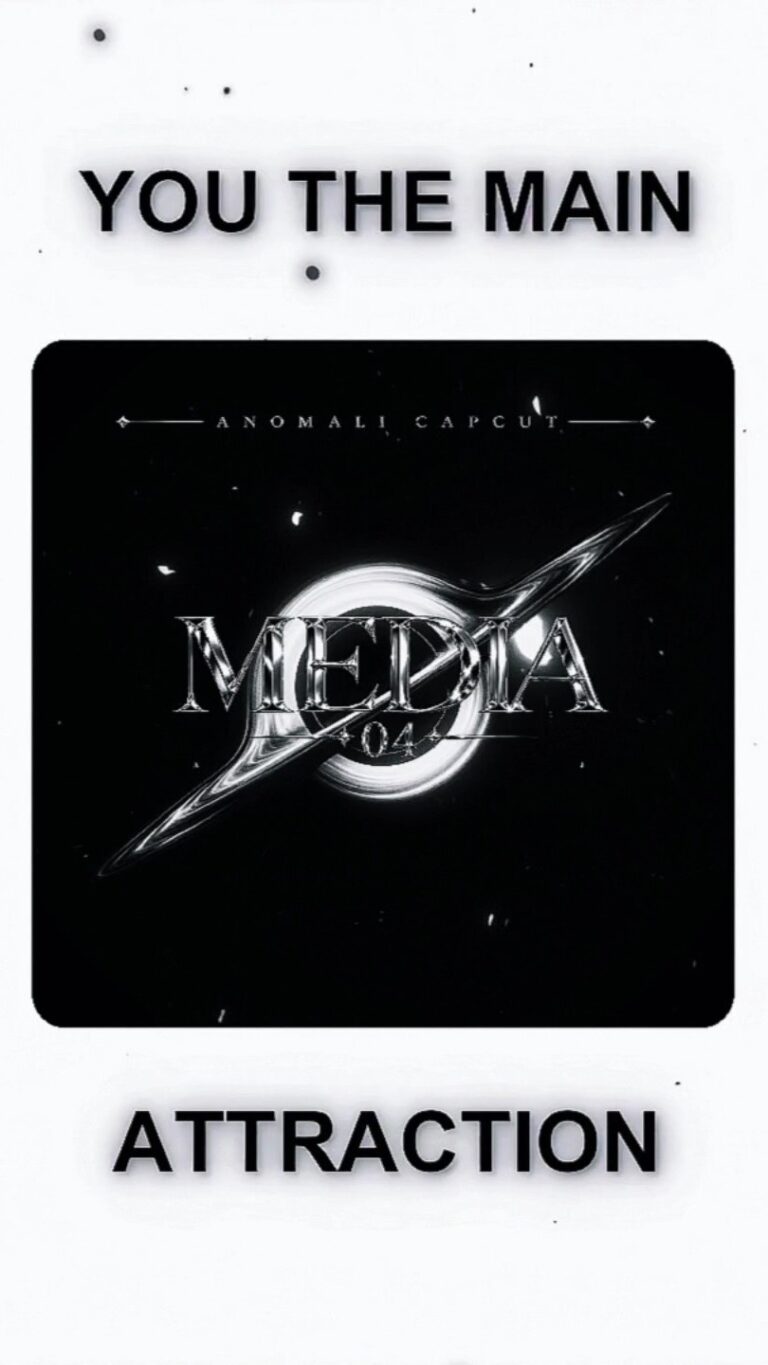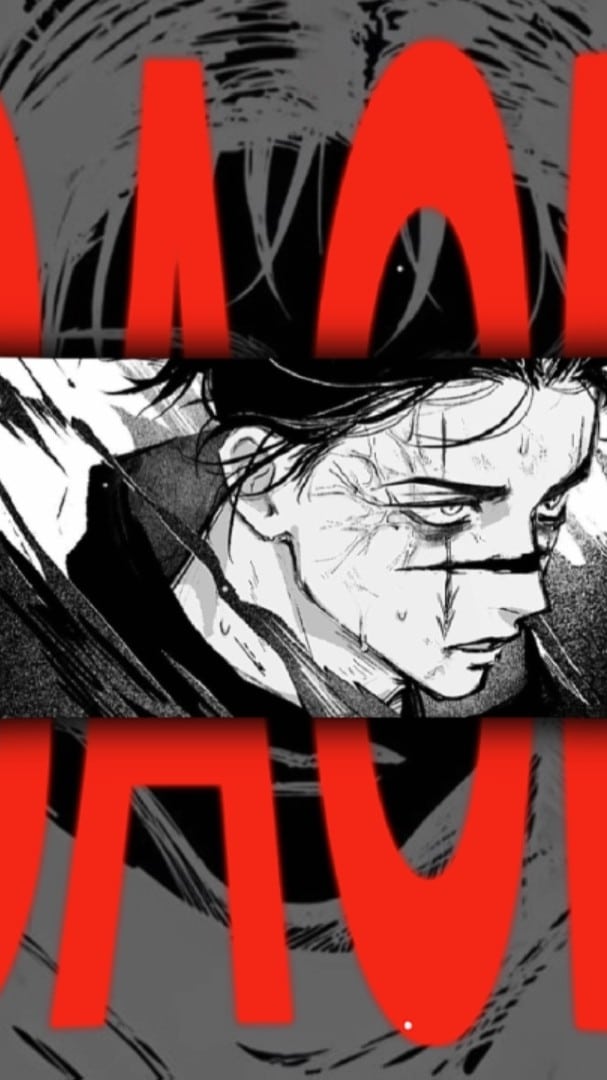
Verified Nov 2026 · Tested in CapCut with VPN (India) · Direct official link
How to use Trending Template CapCut Template?
- Open the CapCut app and make sure you’re on the latest version, then tap the template link shared on this page to jump straight into the Trending Template.
- If the link doesn’t load or shows an error, connect to a VPN (users in India and other restricted regions need this) and reopen the link so the template loads seamlessly.
- Tap ‘Use Template’ at the bottom of the screen to start a new project with the template’s timeline pre-loaded.
- Select 4 to 8 photos or short video clips from your gallery – pick ones with clear subjects and similar lighting for the cleanest result.
- Trim each clip so the main action lands on the beat drop, then drag the clip edges in the timeline to fine-tune the sync.
- Preview the full template, swap any clip that feels out of place, and adjust the built-in filter strength if your footage looks too dark or washed out.
- Export in 1080p at 60fps, then share to TikTok or Reels – and if you want another trend to pair with this one, try the Flashback CapCut Trend next.
Pro Video Editing & Export Tips
For maximum reach, always export at 1080p and 60fps – CapCut’s default 30fps can make fast beat-sync transitions look choppy on Reels. Shoot in good natural light or face a window so the template’s high-contrast filter doesn’t crush your shadows. Match your clip cuts to the beat by scrubbing the timeline slowly and placing each transition right on the drum hit. Finally, remove the CapCut watermark before exporting (it’s a free toggle in the export screen) since watermarked videos often get lower engagement and reach on TikTok.
About Trending Template CapCut Template
This Trending Template rides a punchy, hard-hitting beat drop with quick zoom transitions and a slick slow-motion finish that instantly grabs attention in the first second. The aesthetic leans into a moody, high-contrast look with a subtle filter that makes everyday clips feel cinematic, which is exactly why it keeps popping up on TikTok and Instagram Reels. It’s trending because it’s forgiving with imperfect footage – you just drop your clips and the template does the heavy lifting.
- Style & Vibe: Beat Sync / Slow Motion / High-Contrast Aesthetic
- Recommended Media: 4-8 Photos/Videos
- Aspect Ratio: 9:16 (Full Screen for TikTok, Instagram Reels & Shorts)
- Price: 100% Free to Use
Looking for more trending edits? Browse our complete collection of CapCut Templates for Instagram Reels and TikTok, updated daily with direct verified links.