Verified Nov 2026 · Tested in CapCut with VPN (India) · Direct official link
How to use ANGER ISSUE CapCut Template?
- Open the CapCut app on your phone and make sure you’re logged in with your TikTok or Google account – this prevents template loading errors.
- Tap the ‘Use Template’ button on the ANGER ISSUE template page, then hit ‘Select Media’ to choose 4-8 photos or short video clips from your gallery.
- For users in India or other regions where CapCut templates are restricted, connect to a reliable VPN before opening the template link so it loads seamlessly without buffering.
- Arrange your clips in the order you want them to appear – the template auto-syncs each clip to the beat, so put your strongest visual first.
- Tap on each clip to adjust the crop and zoom so your subject stays centered during the fast zoom transitions.
- Preview the edit and fine-tune the timing if needed – you can trim individual clips without breaking the beat sync.
- When you’re happy with the result, tap the export button in the top right corner and save your video in 1080p at 60fps for the smoothest playback.
Pro Video Editing & Export Tips
For maximum reach, always export at 1080p and 60fps – this keeps the fast zoom transitions buttery smooth and prevents TikTok from compressing your video too harshly. Shoot your source clips in good lighting with a clean background so the dark color grading doesn’t crush the details, and try to match your action to the beat drop (e.g., a punch, a turn, or a reveal right on the hit). Before exporting, check the top-right corner for the CapCut watermark – you can remove it by tapping the watermark icon and selecting ‘Remove’ if you have a Pro account, or by using the free ‘Save without watermark’ option when available. Finally, post during peak hours (7-10 PM local time) and pair the edit with a trending sound on TikTok to boost your chances of hitting the For You page. If you enjoy this style, check out the MONTAGEM OSCURIDA CapCut Trend for another dark, beat-synced edit.
About ANGER ISSUE CapCut Template
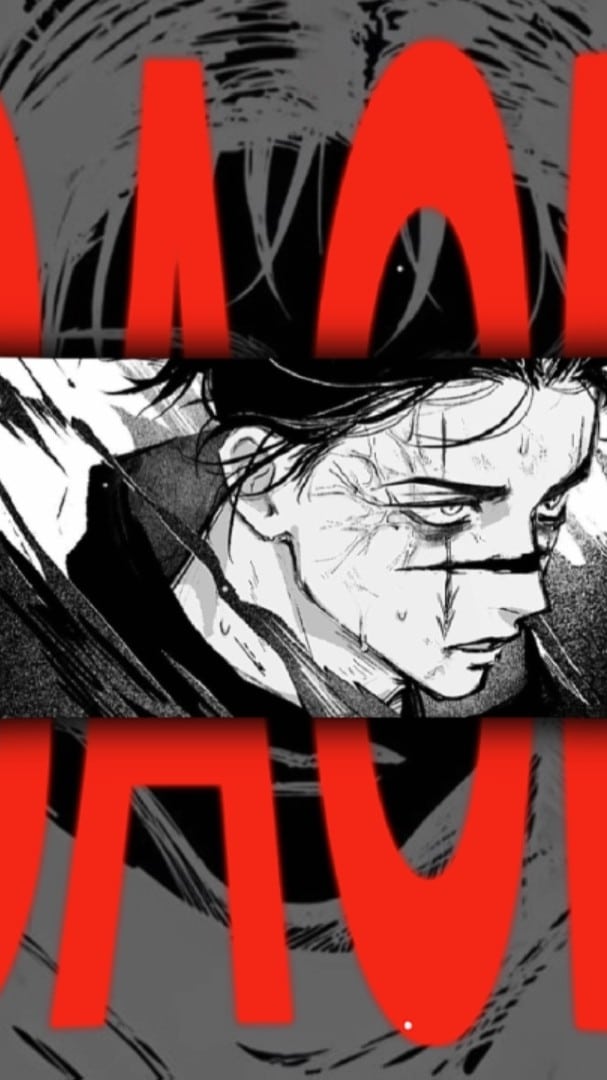
ANGER ISSUE is a punchy, attitude-driven CapCut template built around hard-hitting beat drops and rapid zoom transitions that make every clip feel like a movie moment. The aesthetic leans into dark, high-contrast color grading with subtle shake effects, so it works perfectly for angry reactions, gym edits, or dramatic character reveals. It’s trending because the timing is already locked in – you just drop your photos and the template does the rest, which is why TikTok and Reels creators are racking up millions of views with it.
- Style & Vibe: Beat Sync / Dark Aesthetic / Fast Zoom / Attitude
- Recommended Media: 4-8 Photos/Videos
- Aspect Ratio: 9:16 (Full Screen for TikTok, Instagram Reels & Shorts)
- Price: 100% Free to Use
Looking for more trending edits? Browse our complete collection of CapCut Templates for Instagram Reels and TikTok, updated daily with direct verified links.