Verified Nov 2026 · Tested in CapCut with VPN (India) · Direct official link
How to use HUSS HUSS HUSS CapCut Template?
- Open the CapCut app on your phone and make sure you’re on the latest version from the Play Store or App Store.
- Tap the ‘Template’ tab at the bottom, then use the search bar to type ‘HUSS HUSS HUSS’ and find the trending template by mayones03 [RFS].
- If the template won’t load in India or another restricted region, connect to a VPN first, then reopen CapCut and search again for a seamless load.
- Tap ‘Use Template’ and select 4 to 8 photos or short video clips from your gallery – pick shots with clear subjects and strong contrast.
- Trim each clip so the main action hits right on the beat drop; the template auto-syncs but you can drag the timeline for tighter timing.
- Preview the edit, then explore similar trending sounds like the Huss Huss Huss Remix CapCut Trend if you want a fresh variation for your next post.
- Hit ‘Export’ at 1080p and 60fps, save to your gallery, and upload to TikTok or Instagram Reels with trending hashtags to boost reach.
Pro Video Editing & Export Tips
For maximum reach, always export at 1080p and 60fps – higher frame rates keep those fast beat-sync cuts looking crisp instead of blurry. Shoot or choose clips with bright, even lighting and strong contrast so the template’s gritty color grade pops rather than muddying your footage. Match your main action (a head turn, a jump, a smile) to the exact beat drop for that satisfying sync viewers love. If a watermark appears, remove it by exporting through CapCut’s clean export option or upgrading to Pro for a single clean render. Finally, post during peak hours (7-10 PM local time) and reuse the same audio to ride the trend’s algorithm boost.
About HUSS HUSS HUSS CapCut Template
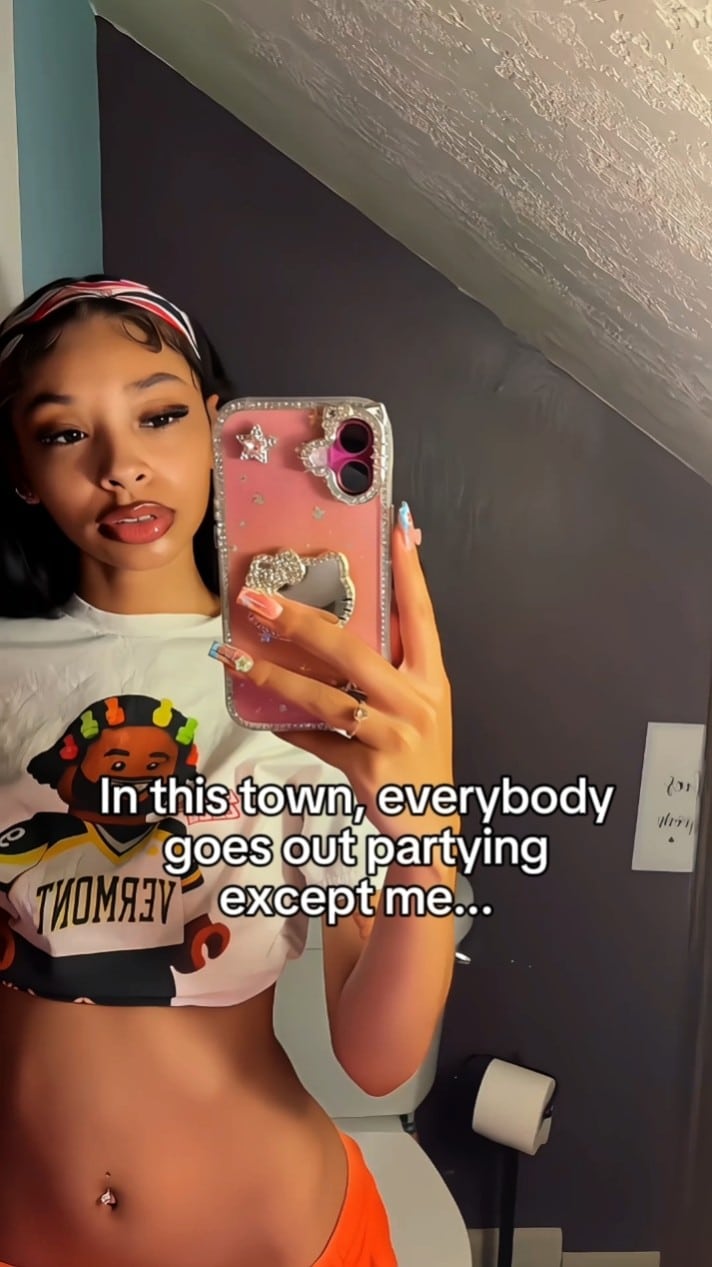
The HUSS HUSS HUSS template rides a punchy, chant-driven audio with hard beat drops that make every cut feel like a mini music video. Its fast zoom transitions and slightly gritty, high-contrast color grade give your clips that raw street-style energy trending on TikTok and Reels right now. It’s blowing up because the beat sync is forgiving for beginners yet still looks premium when you nail the timing.
- Style & Vibe: Beat Sync / Hard Cuts / Street Aesthetic / High Contrast
- Recommended Media: 4-8 Photos/Videos
- Aspect Ratio: 9:16 (Full Screen for TikTok, Instagram Reels & Shorts)
- Price: 100% Free to Use
Looking for more trending edits? Browse our complete collection of CapCut Templates for Instagram Reels and TikTok, updated daily with direct verified links.