Verified Nov 2026 · Tested in CapCut with VPN (India) · Direct official link
How to use Flashback CapCut Template?
- Open CapCut on your phone and make sure you’re updated to the latest version so the Flashback template loads without glitches.
- Tap the ‘Use Template’ button on the Flashback template page – this copies the timeline, music, and effects straight into your editor.
- Select 4 to 8 photos or short video clips from your gallery; for the best flashback feel, pick moments from the same era or event.
- Drag each clip into the marked slots and trim them so the key action lands on the beat drop for that satisfying sync.
- If you’re in India or a region where CapCut templates are restricted, connect to a VPN first, then reopen the app to load the template seamlessly.
- Tap the filter and text layers to customize the vintage tone, and swap the caption for your own inside joke or date – try the collage CapCut Trend if you want a multi-photo layout instead.
- Preview the full edit, hit Export at 1080p, and post to Reels or TikTok with the trending audio tagged for extra reach.
Pro Video Editing & Export Tips
Export at 1080p and 60fps to keep the slow zoom transitions buttery smooth, and avoid 4K since it bloats file size without helping Reels. Shoot or pick clips with soft, even lighting – harsh shadows fight the vintage filter and make faces look muddy. Nudge each clip’s trim point a few frames so the flashback effect hits exactly on the beat, which is what makes viewers rewatch. Keep the CapCut watermark off by exporting clean (or crop it out), and always post natively in-app rather than uploading a watermarked file from another app, since platforms downrank visible third-party watermarks.
About Flashback CapCut Template
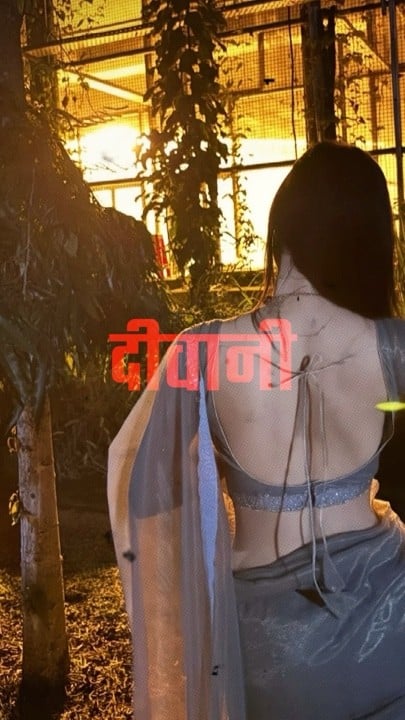
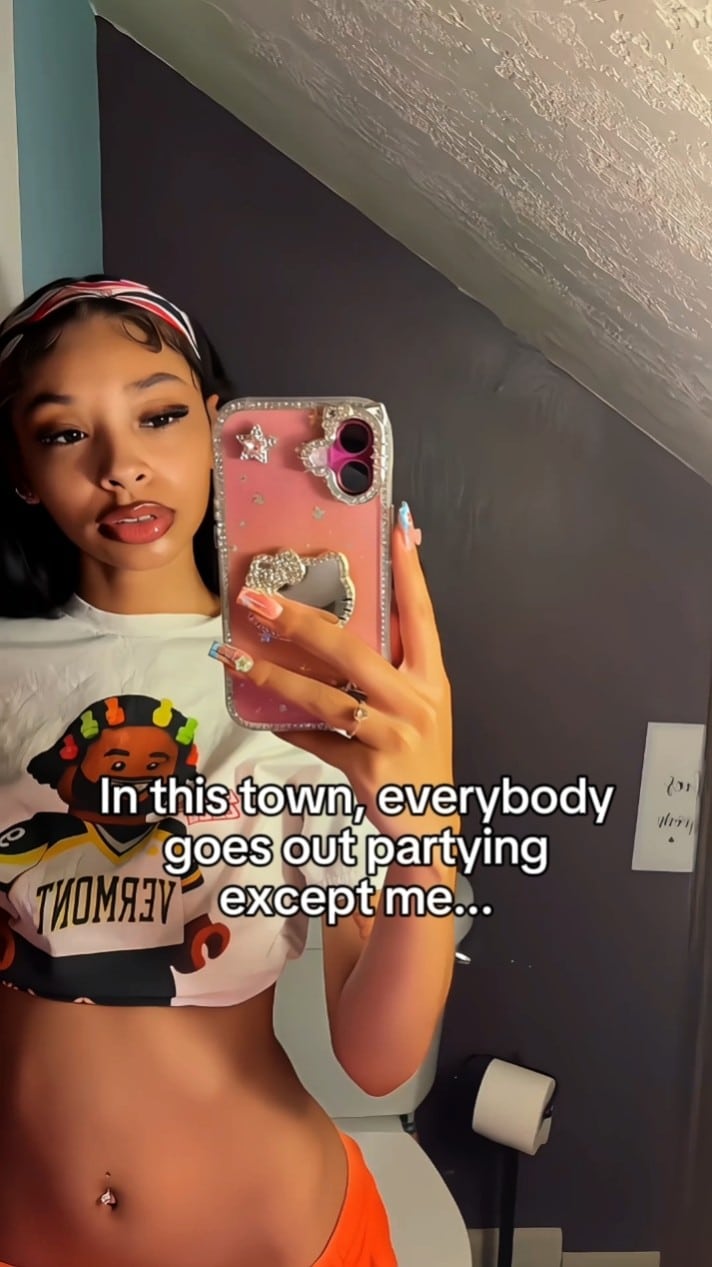
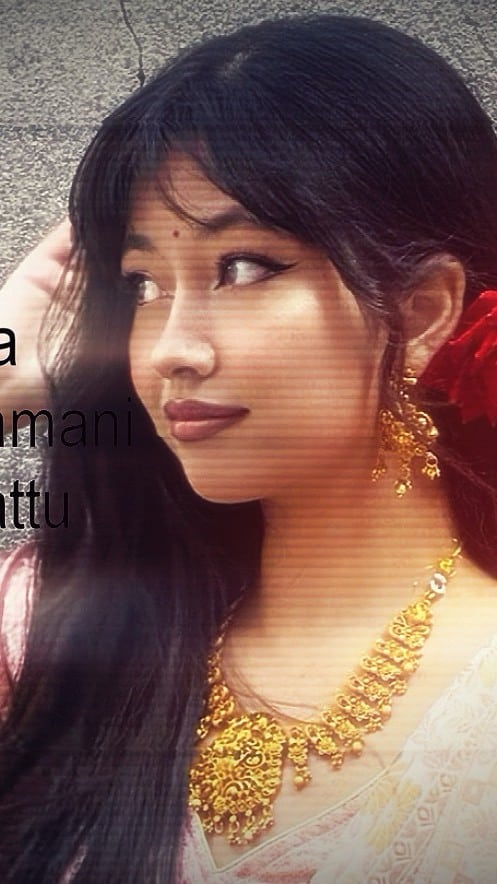
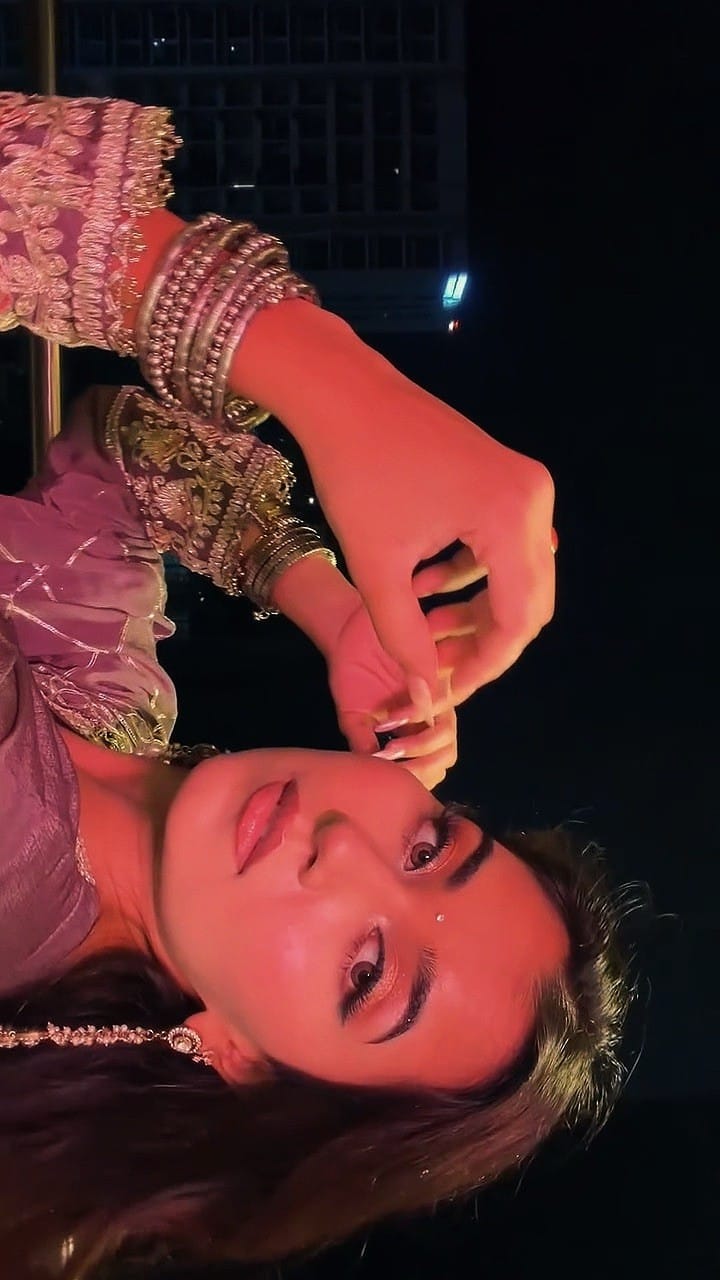
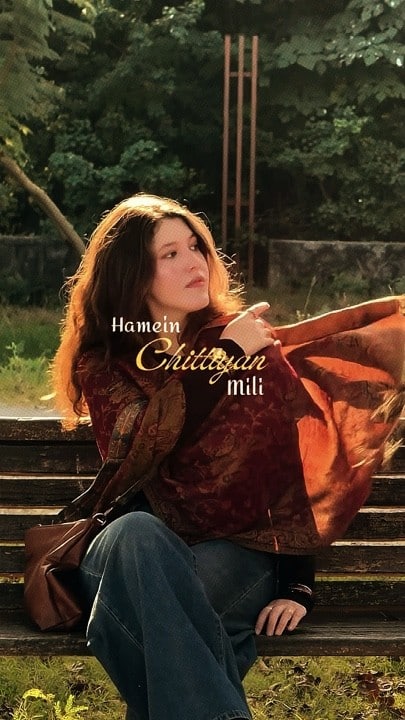
The Flashback CapCut template pairs a dreamy, slowed-down audio loop with soft zoom transitions and a warm vintage filter that instantly makes your clips feel like a memory. It’s blowing up on TikTok and Instagram Reels because the beat drops right as the flashback effect kicks in, so even simple photos look cinematic. Perfect for throwback couple edits, old friendship montages, or that ‘before vs after’ glow-up reveal.
- Style & Vibe: Nostalgic / Beat Sync / Vintage Filter / Slow Motion
- Recommended Media: 4-8 Photos/Videos
- Aspect Ratio: 9:16 (Full Screen for TikTok, Instagram Reels & Shorts)
- Price: 100% Free to Use
Looking for more trending edits? Browse our complete collection of CapCut Templates for Instagram Reels and TikTok, updated daily with direct verified links.