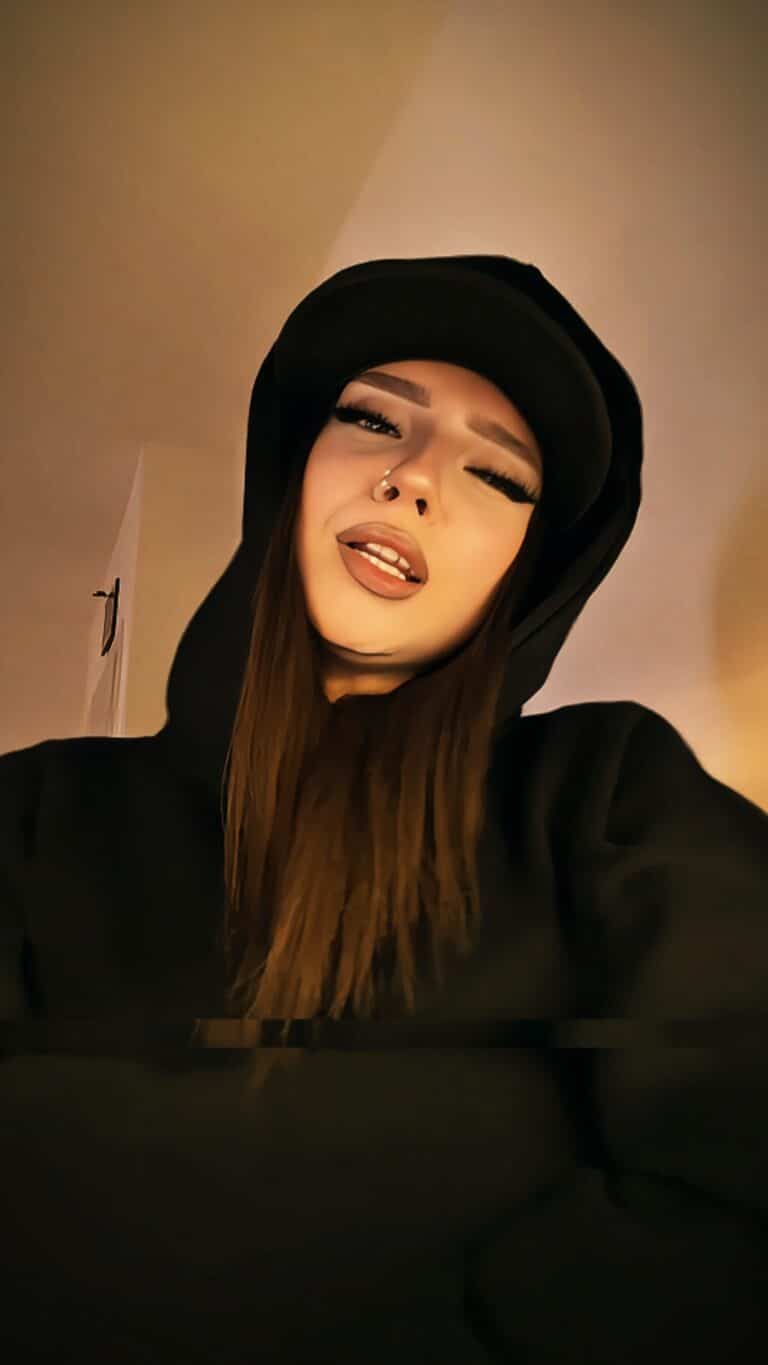
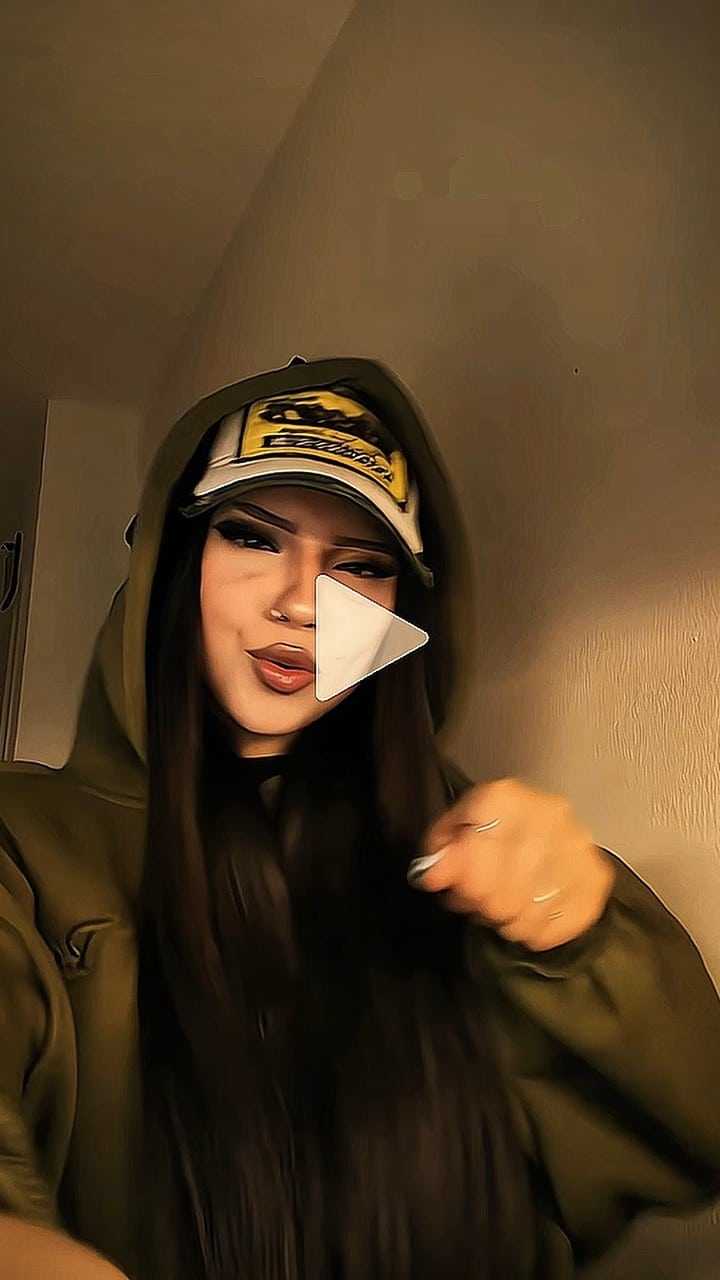
Verified Apr 2026 · Tested in CapCut with VPN (India) · Direct official link
Money talks, and this paisa quick edit template lets your content speak volumes with rapid-fire transitions that sync perfectly to high-energy beats. The template features quick cuts, zoom effects, and text overlays that emphasize wealth, success, and lifestyle content. Content creators focusing on motivation, entrepreneurship, or lifestyle themes will find this format particularly engaging for their audience. The fast-paced editing style captures attention within seconds, making it ideal for TikTok and Instagram Reels where viewers scroll quickly through feeds.
Upload photos of achievements, business success, luxury items, or motivational quotes for maximum impact. Keep your clips under 3 seconds each since the template thrives on quick succession rather than lengthy footage.
Creators who enjoy beat-heavy templates should also explore our funk transition collection for similar high-energy editing styles.
Paisa kushal pokhrel’s song is trending on Instagram these days, in which we have given you Paisa trending reels preset, using which your reel can also trend on Instagram. This viral template is going to trend on Instagram, you have a big Chance that by using this template you can bring millions of views to your video.
To use the Paisa viral template template, you will see the “Use template on Capcut” button below. By clicking on it, your video will be edited in the last 1 click. Your VPN should be on.
Paisa latest TikTok format
Badi Badi Batein
Monalisa Paisa
Kaiza Part 2
Ta Sanga Paisaaaa
How to Use Paisa latest TikTok format?
- First of all Latest version of Capcut apk should be download in your phone.
- Open any Browser In your Android & Iphone and Search capcuttemplate.co.in.
- After that find your suitable trending reels preset, if you do not find it in this templates post then you can select from the latest latest TikTok format.
- Click the “Use this Template on Capcut” button after installing the VPN if you are in India.
- Your phone will launch the Capcut app, where you can now upload photos and videos to create a spectacular Instagram reel, or Tiktok video.
- Your video will be prepared for upload to Instagram and TikTok in just a click.