Verified Nov 2026 · Tested in CapCut with VPN (India) · Direct official link
How to use Viral Transition CapCut Template?
- Open the CapCut app and make sure you’re on the latest version so the template loads without errors.
- If you’re in India or any region where CapCut templates are restricted, connect to a VPN first and set it to a supported location so the template page opens smoothly.
- Search for the Viral Transition template inside CapCut or tap the direct template link shared on our site to jump straight to it.
- Tap ‘Use Template’ and select 4-8 photos or short video clips – keep your subject centered for the cleanest transition.
- Trim each clip so the main action lands right on the beat drop, then let the template auto-sync the blur flash and whip-pan.
- Preview the full edit, adjust clip order if a transition feels off, and remove the CapCut watermark by exporting through the app’s clean-export option.
- For more trending edits to pair with this style, check out the Insta Viral Trend CapCut Trend and save it for your next post.
Pro Video Editing & Export Tips
Export at 1080p and 60fps so the whip-pan and blur flash stay buttery instead of stuttering on Reels. Shoot your clips in good natural light or a ring light – the template adds a soft glow, but it can’t fix a dark, grainy source. Match your main action to the beat drop by scrubbing the timeline frame by frame, since even a half-second off kills the impact. Always remove the CapCut watermark with a clean export before uploading, and post at peak hours (7-10 PM local) to give the algorithm the best chance of pushing your edit.
About Viral Transition CapCut Template
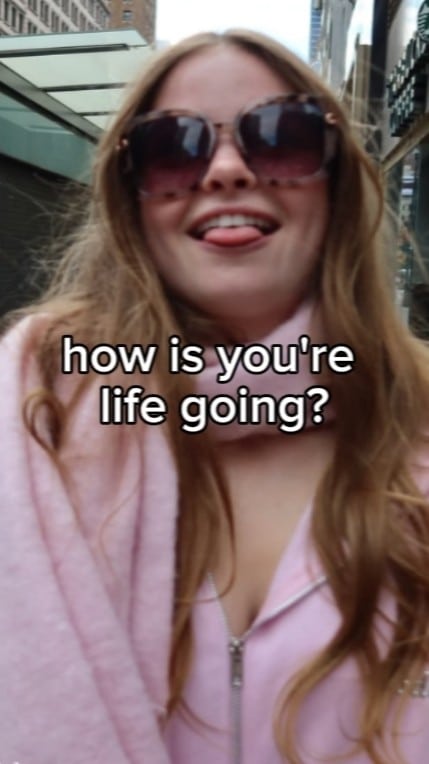
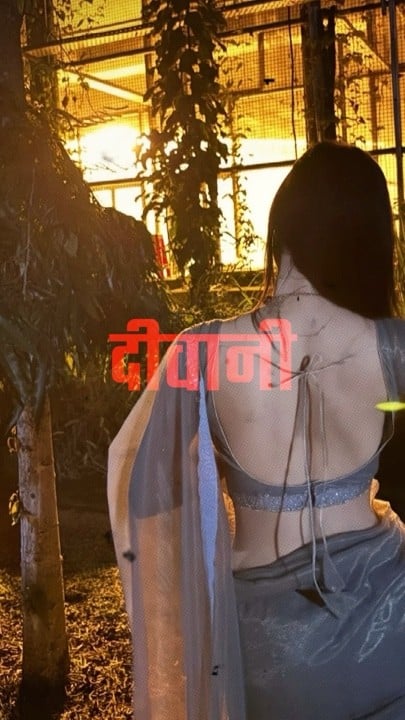
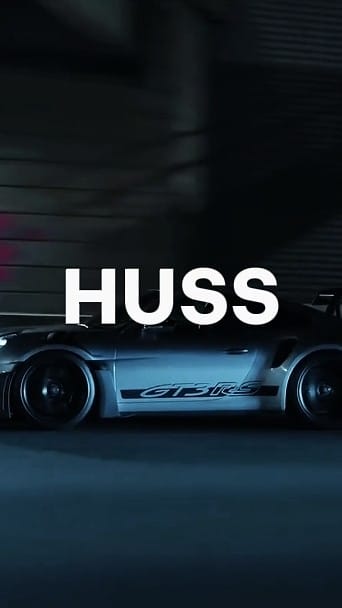
This Viral Transition template leans on a punchy beat-drop with quick whip-pans and a soft blur flash that makes even basic clips look cinematic. The aesthetic is clean and moody – perfect for outfit changes, before/after reveals or travel cuts that need that instant scroll-stopping feel. It’s climbing fast on TikTok and Instagram Reels because the timing is already locked in, so you just drop your clips and the edit does the heavy lifting.
- Style & Vibe: Beat Sync / Blur Flash / Cinematic / Aesthetic
- Recommended Media: 4-8 Photos/Videos
- Aspect Ratio: 9:16 (Full Screen for TikTok, Instagram Reels & Shorts)
- Price: 100% Free to Use
Looking for more trending edits? Browse our complete collection of CapCut Templates for Instagram Reels and TikTok, updated daily with direct verified links.